Cordial: Graphic & Web Designer
my role at cordial
I was the only graphic designer for the whole company (around 80+ people in size at the time).I mainly supported the marketing team through design assets and website page creation. We had an agile marketing strategy and turned out projects quickly. I worked in a very fast paced environment sometimes required to complete 1-3 hour turn arounds on projects.
I defined and created the 2020 style guide for the brand.
I helped the team create a logo and website for their new Slack community.
I refined the website daily through Wordpress via Elementor UI editor and some backend coding: example here
Creating new pages: example here
Updating existing content
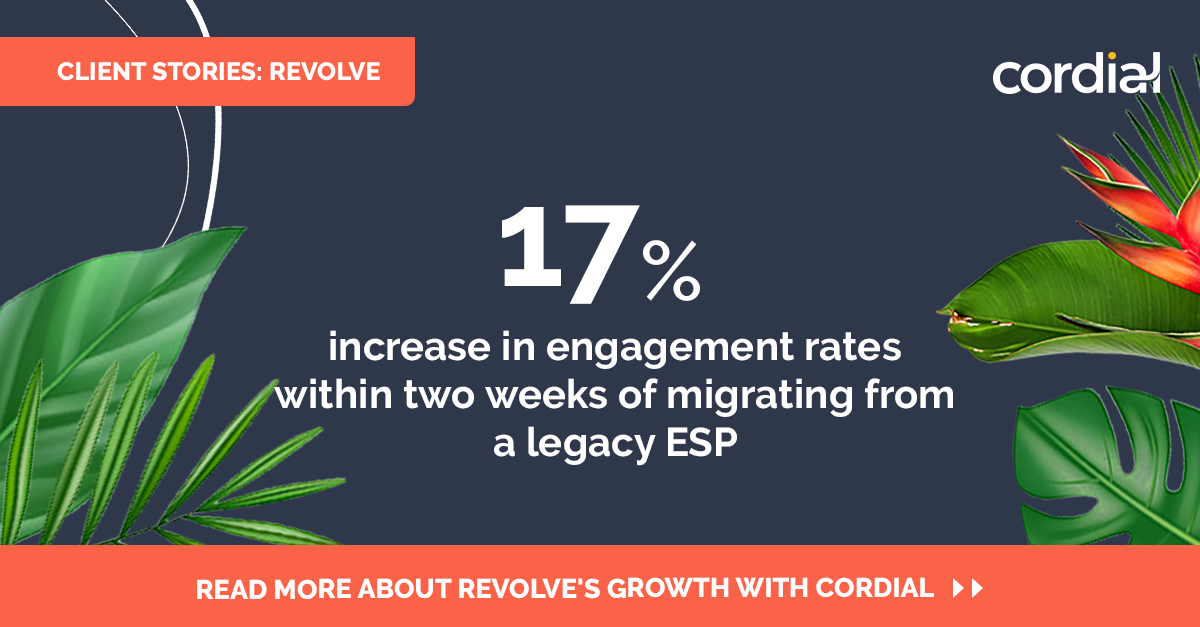
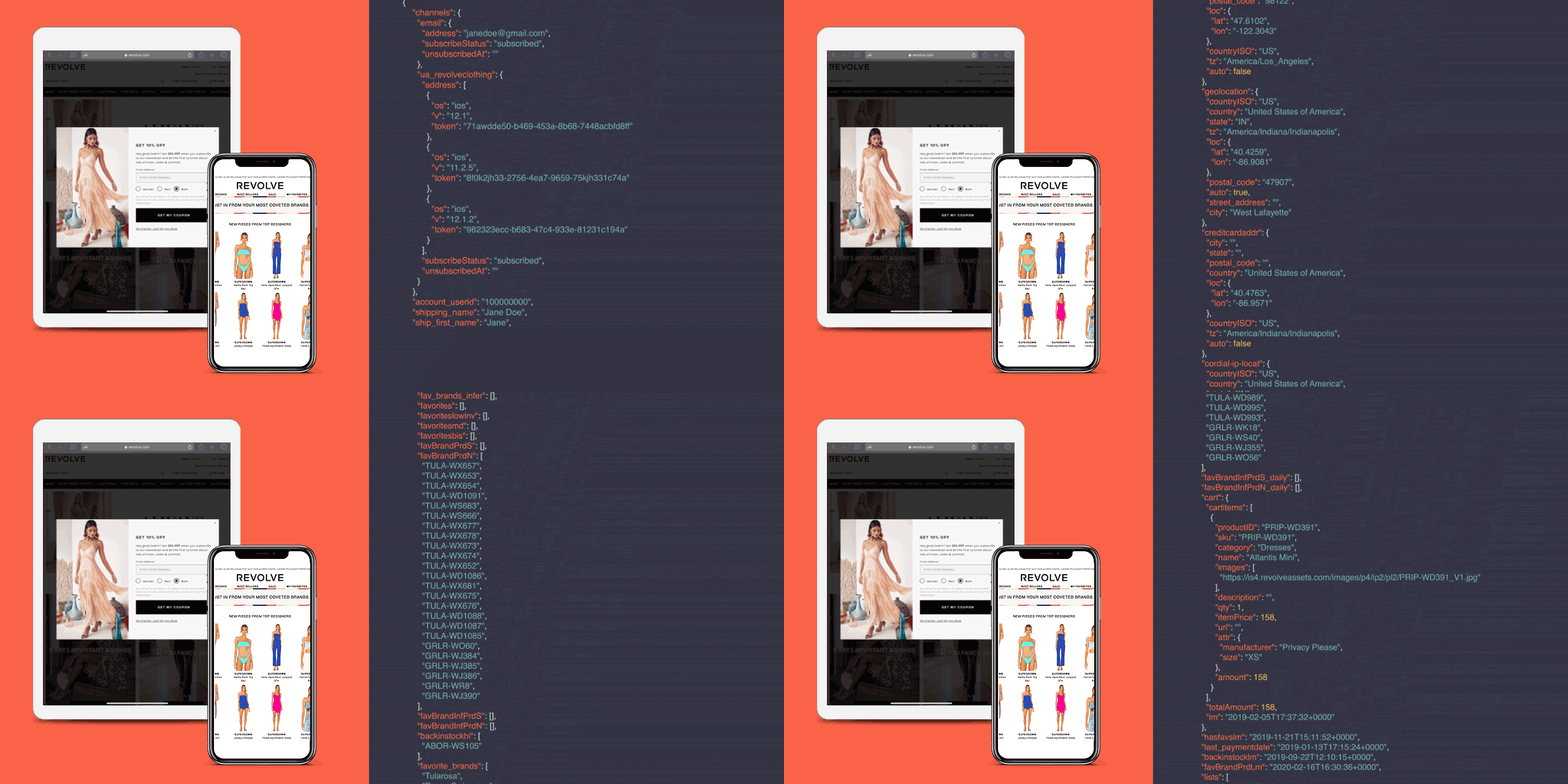
Creating website assets like here
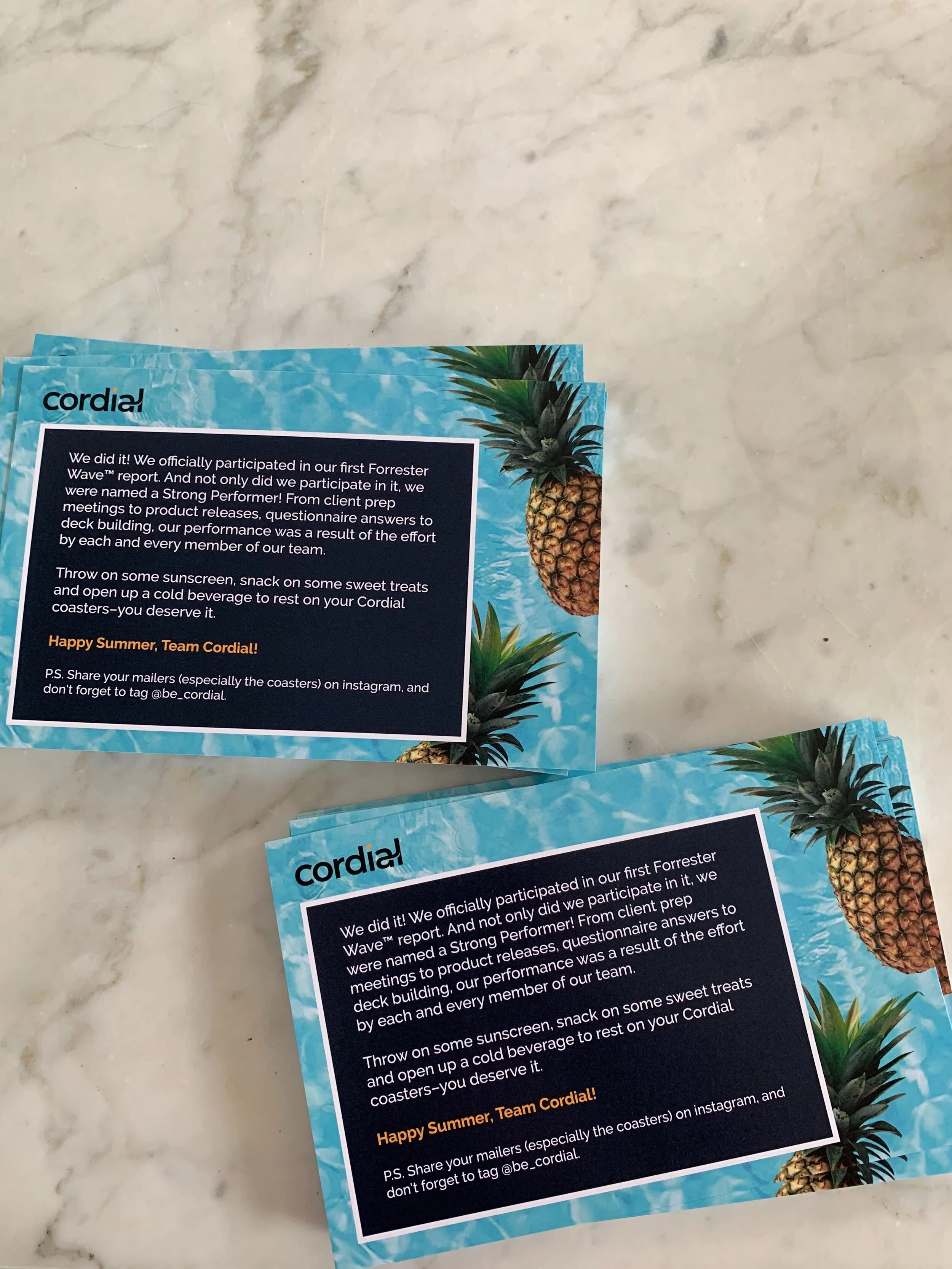
Created printable mailers
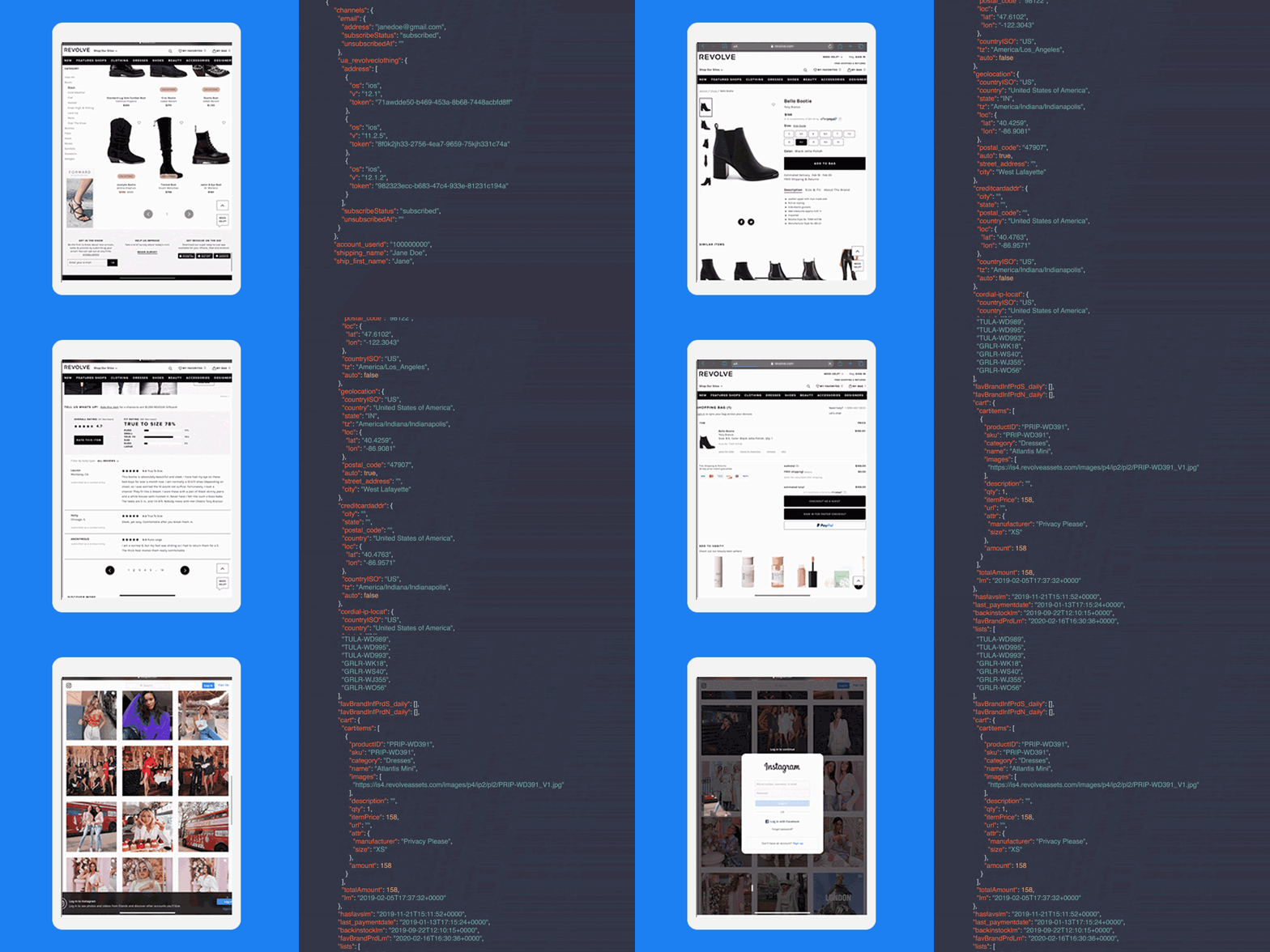
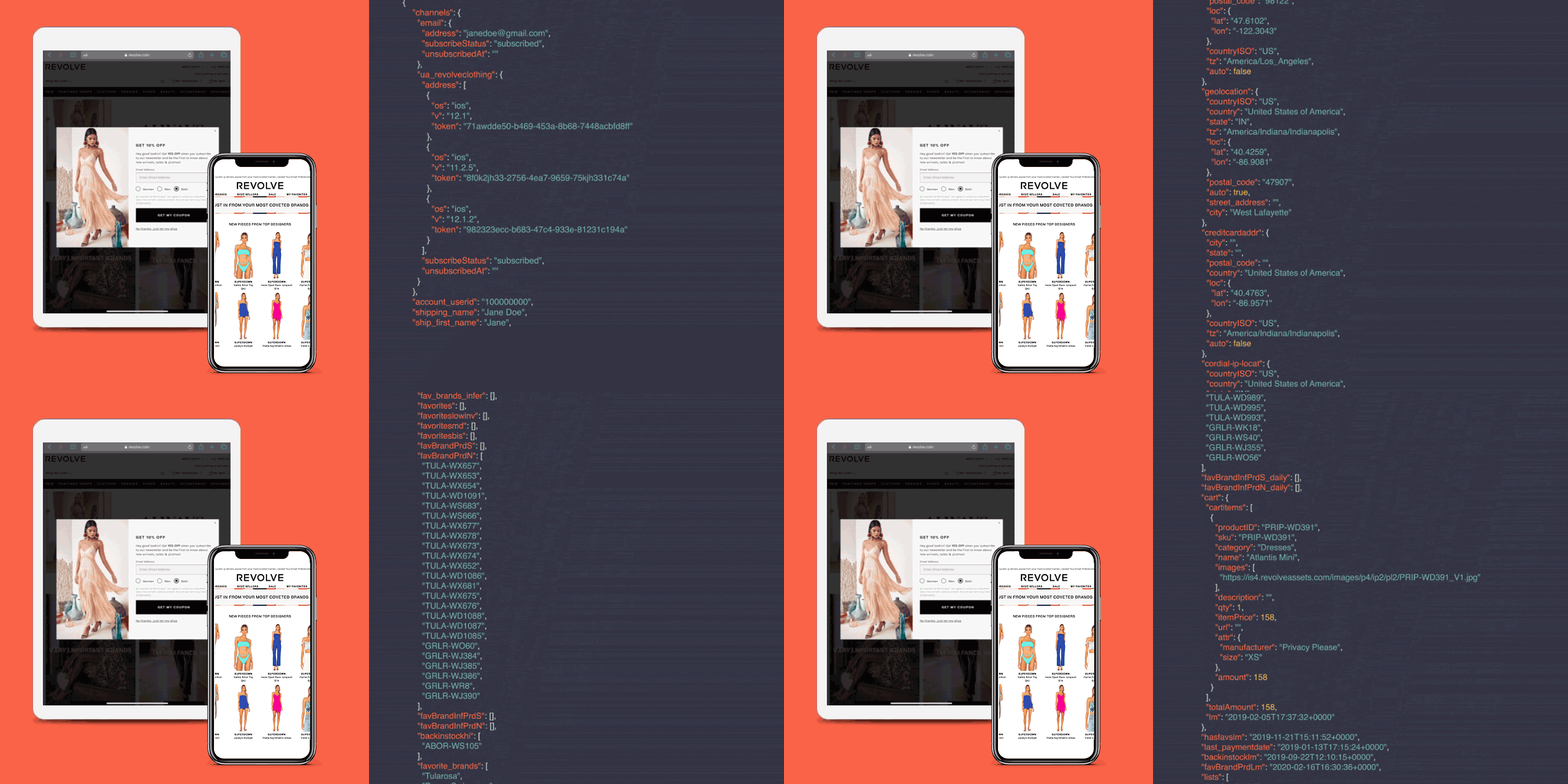
Created animated gifs to be used in advertisements
Defined a style for Google docs & “beautified” doc templates for the client experience and sales team
Edited videos for the sales team
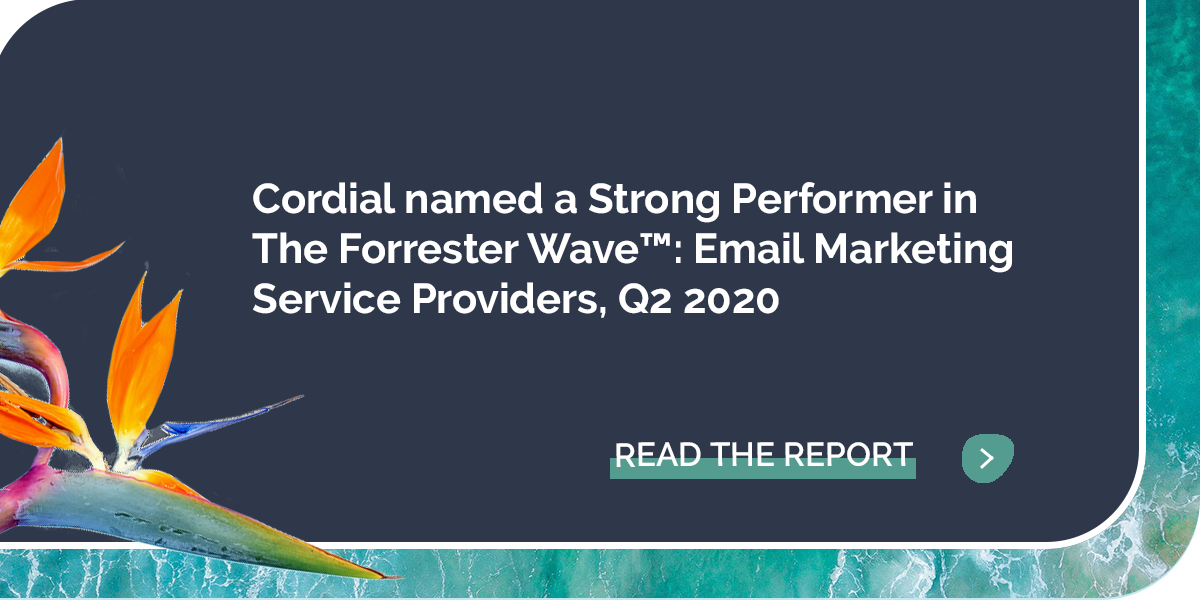
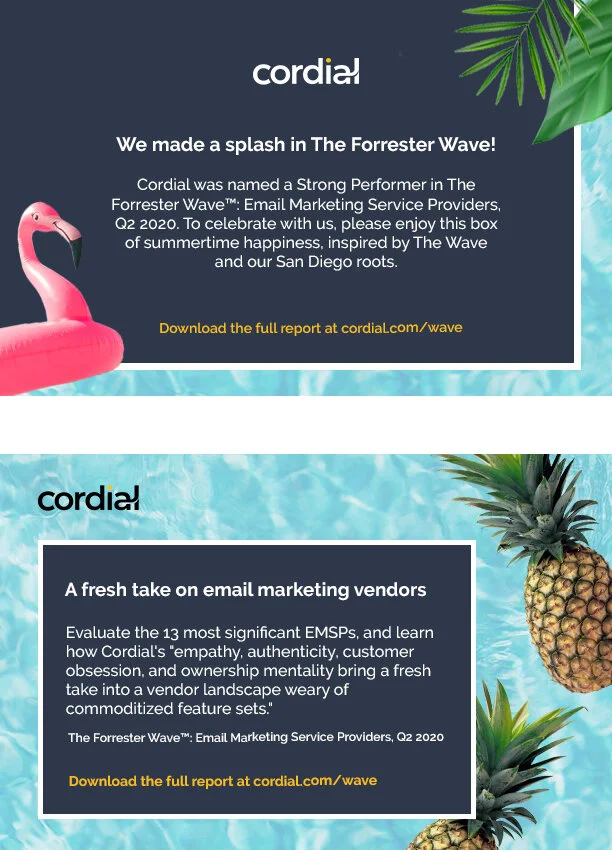
Printed Mailers for the Forrester Wave report
Website Assets


Web Design: Elementor + Wordpress UI Editor
Introduction
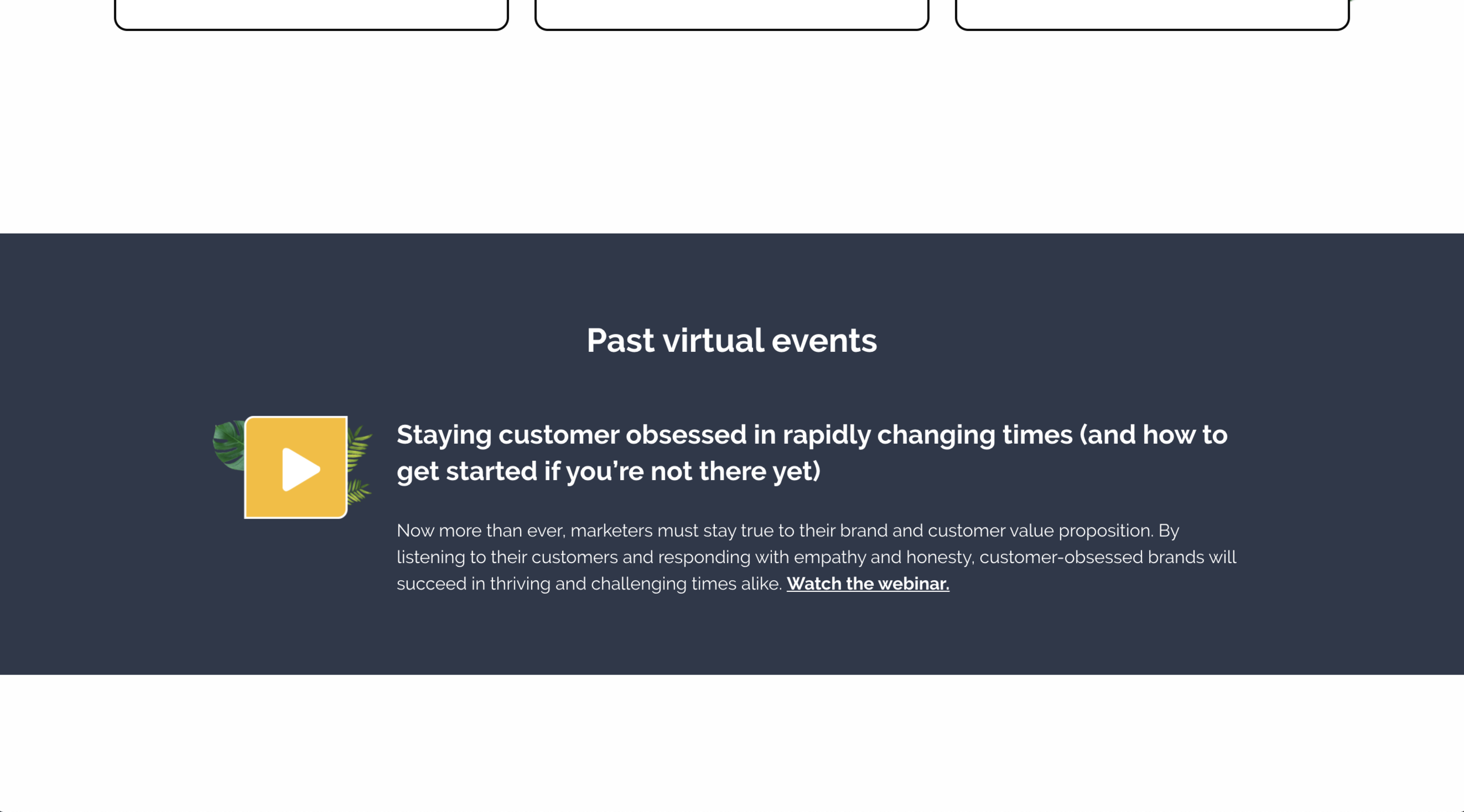
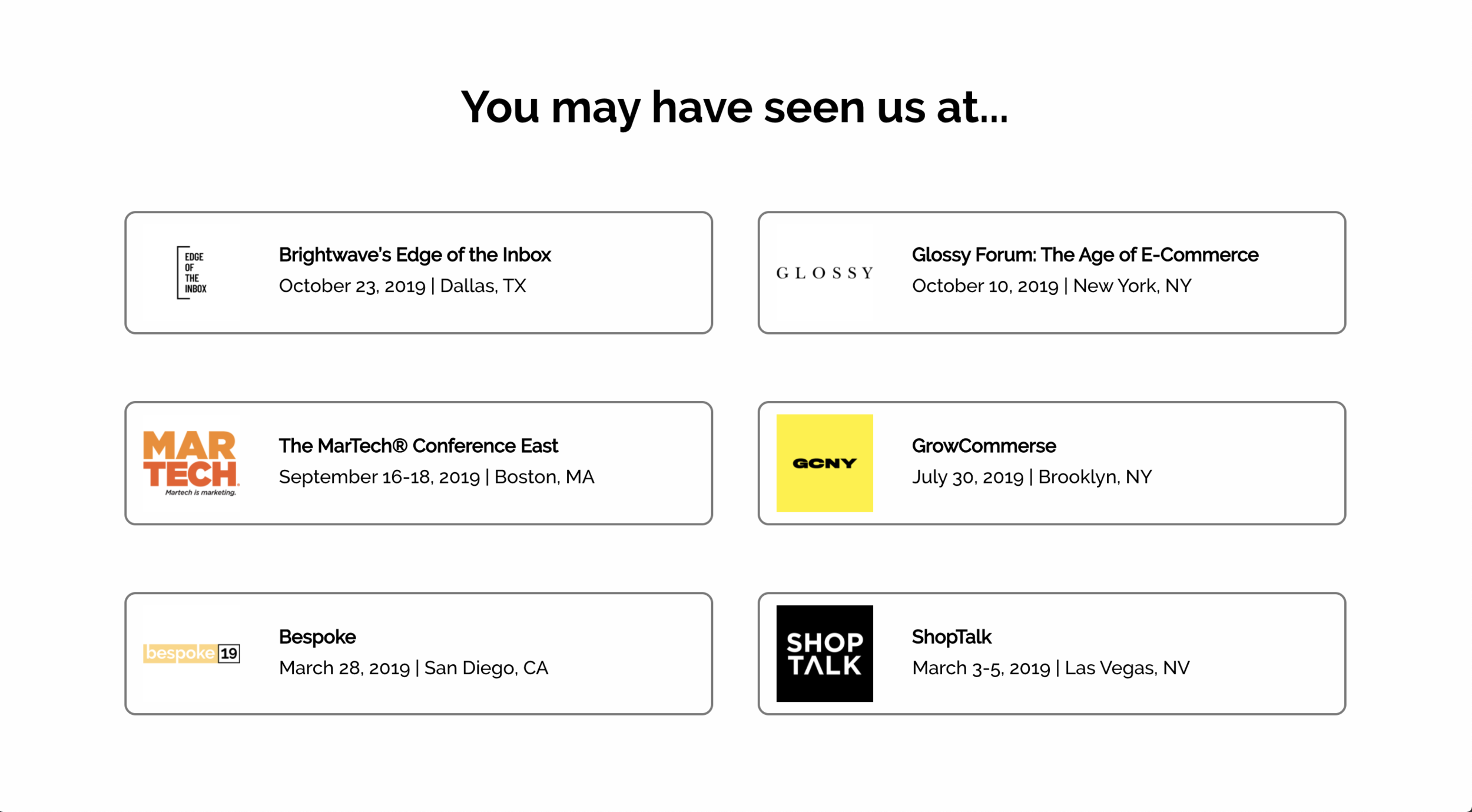
I introduced my team to the UI editor, Elementor to provide flexibility while I learn php. During my time at Cordial I took a few online courses to learn php + Wordpress. The page below is an events page that I designed. (It is displayed in pieces so you can click sections to open them in a Lightbox). We defined Cordial’s brand as having bold colors, flat UI, and tropical elements.
The upcoming virtual events section was designed for people to quickly see the date, have a visual overview of the event, and give context to what the event will be about.


Web Design: Wordpress Coding
Introduction
I was required to jump into the pre-existing code to add elements to the homepage of Cordial.com
My role at Cordial had me reworking the website often to create new elements and tweak existing pages. In this page I am going to walk through this one particular task.
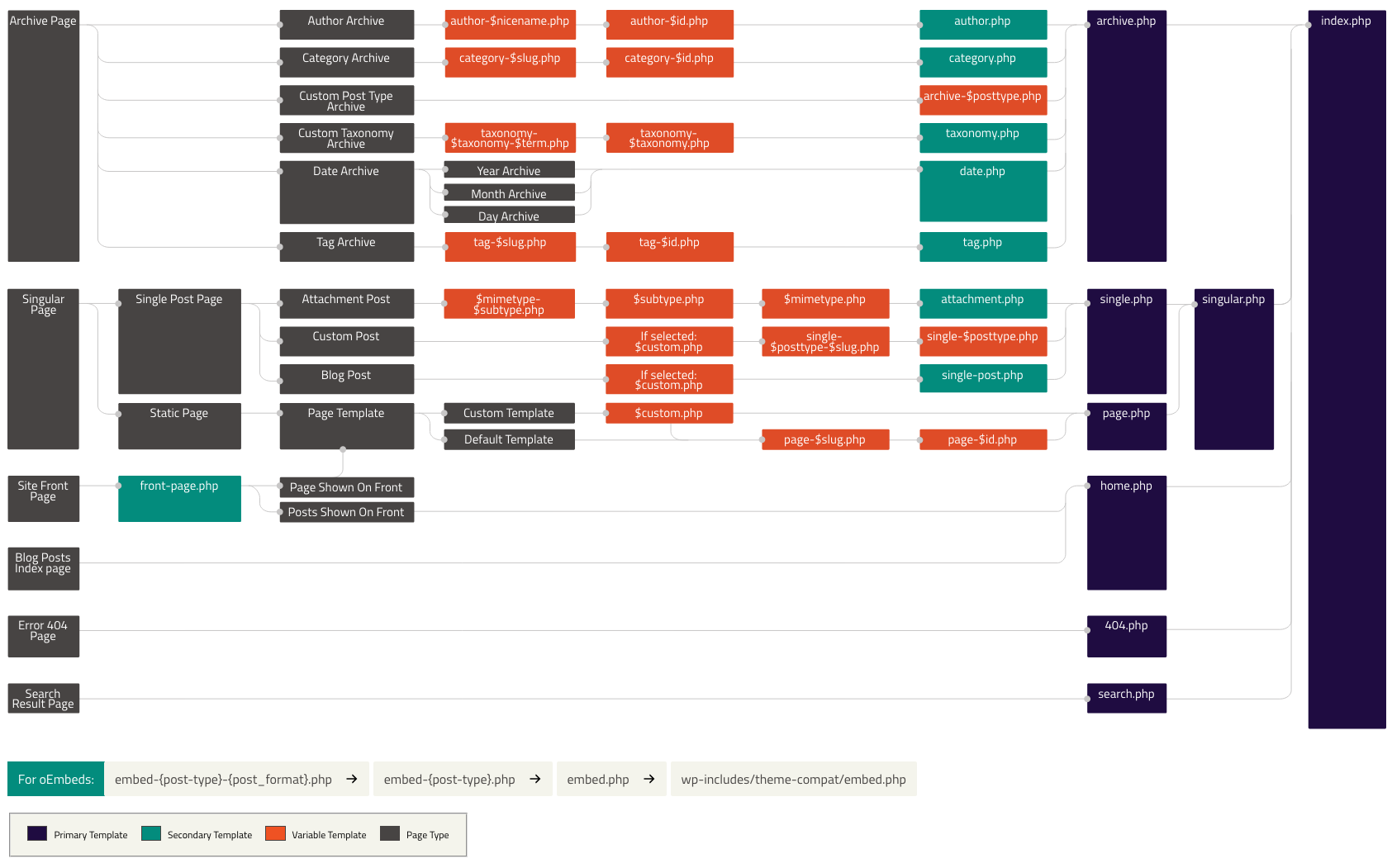
This image helped me find where to find the pieces of the site. I spent most of my time editing page templates. Trace that back to custom template -> $custom.php -> page-$slug.php -> page.php -> singular.php -> index.php
https://developer.wordpress.org/files/2014/10/Screenshot-2019-01-23-00.20.04.png
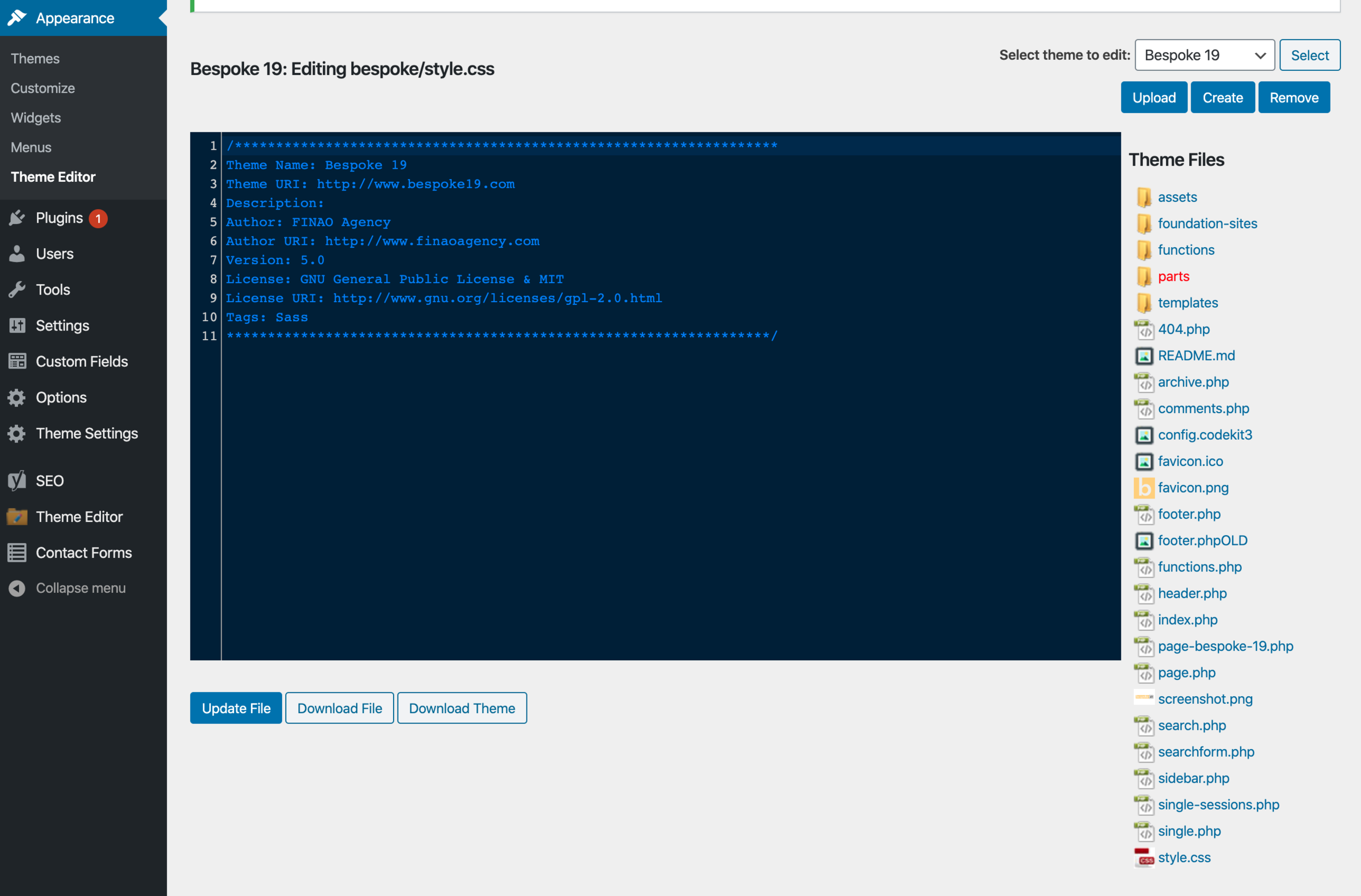
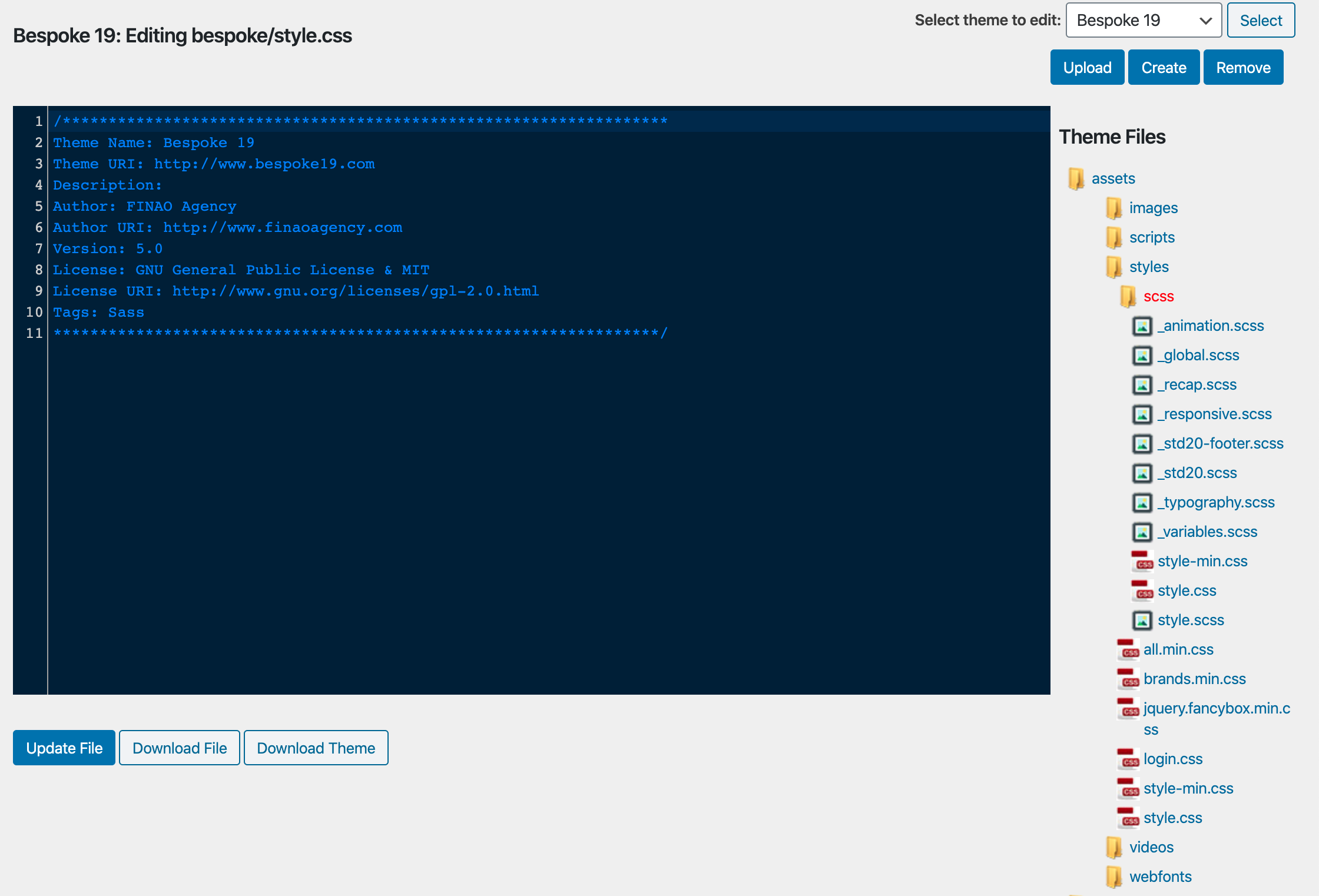
In Wordpress Admin, go to Appearance -> Theme Editor. Here the previous developers have organized the files. The most important files are under templates and assets. In the templates folder the main page is labeled “template-sd-2020.php” if you need to test code use “template-coding-test.php” The main css files to edit are located in the scss folder and are: “style.css” and “std20.scss” and “global.scss”
Jump Link
The marketing team asked me to create a jump link to send users to the bottom of the homepage after clicking a CTA.

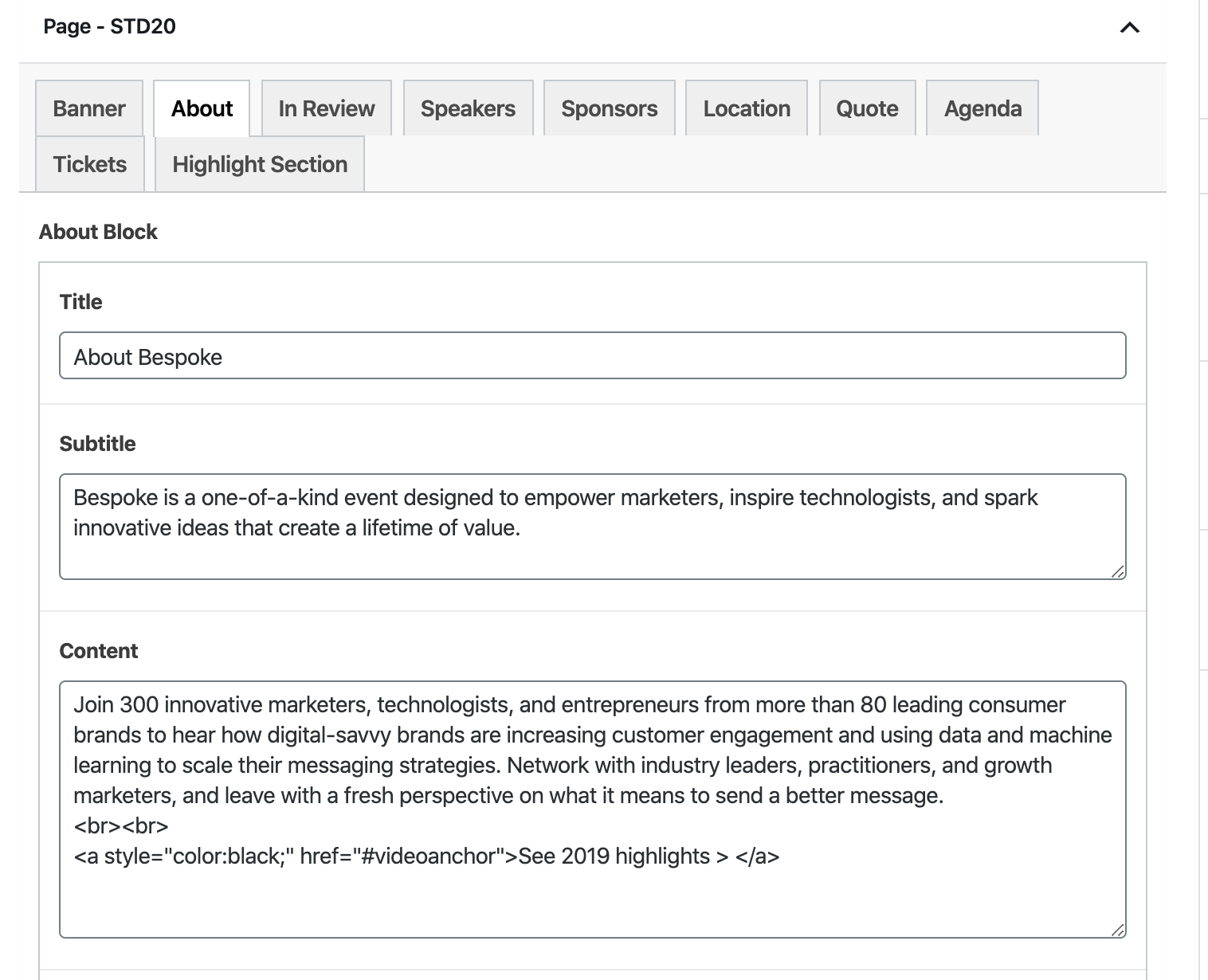
creating a jump link
Go to pages, “Register 2020,” and click the tab About. In the content section add this code:
<br><br>
<a style="color:black;" href="#videoanchor">See 2019 highlights > </a>
The important part to note is #videoanchor because this is telling us where to jump the link to.
Go to the Highlight Section and add <h1 id="videoanchor">Bespoke 19 Highlights</h1> as the title.
Video & Image Elements
adding video and image slider
Add these to the top of the php page
$vSnapshot = get_field('video_snapshot2');
$vLink = get_field('video_link2');
$highlightTitle = get_field('highlight_title');
$highlightsubtTitle = get_field('highlight_subtitle');
This is the full piece of code for the Highlight Section
<?php if( have_rows('recap_block') ): while( have_rows('recap_block') ): the_row();
$title = get_sub_field('title');
$subtitle = get_sub_field('subtitle'); ?>
<section class="group block-video">
<div class="grid-container">
<div class="headline text-center">
<article>
<?php if($title): ?>
<h2><?php echo $title; ?></h2>
<?php endif; ?>
<?php if($subtitle): ?>
<p class="lead"><?php echo $subtitle; ?></p>
<?php endif; ?>
</article>
</div>
<div class="video-container">
<a href="<?php echo $vLink; ?>" data-fancybox>
<div class="button-container">
<?php include( get_template_directory().'/parts/includes/button-play.php' ); ?>
</div>
<figure>
<img src="<?php echo $vSnapshot; ?>" data-pin-nopin="true" />
</figure>
</a>
</div>
</div>
</section>
<section class="group block-recap-slider">
<div class="slider-container">
<div class="recap-slider">
<?php $k = 0; if( have_rows('slider_photos') ): ?>
<?php while( have_rows('slider_photos') ): the_row();
$slideImage = get_sub_field('slide_image');
$k++;
?>
<div class="slide-item item-<?php echo $k; ?>">
<figure>
<img src="<?php echo $slideImage; ?>" data-pin-nopin="true">
</figure>
</div>
<?php endwhile; ?>
<?php endif; ?>
</div>
</div>
</section>
<?php endwhile; endif; ?>
Graphics
LinkedIn graphics, email graphics, Retail Brew gif