
Introduction
Fall 2017 | Duration: 2 months
I designed this while taking Research & Design Process Methods from Jefferson University. The groups were instructed to design a toy for children. While brainstorming I mentioned my frustration trying to learn Spanish using apps. No app I have found thus far has allowed me to feel confident with verbal communication. The group thought this was a great topic especially for the age group we chose (6 to 8). According to the Centers for Disease Control and Prevention, that age group is developing social skills such as verbal expression.
Key Takeaways:
- This project was to teach children a second language through verbal communication
- There is a video demonstration at the end
- The idea was to design a screen-less experience
- Promotes active movement similar to Pokemon Go
PROJECT NAVIGATION
Research | Development | Ideation | Refinement | Demo
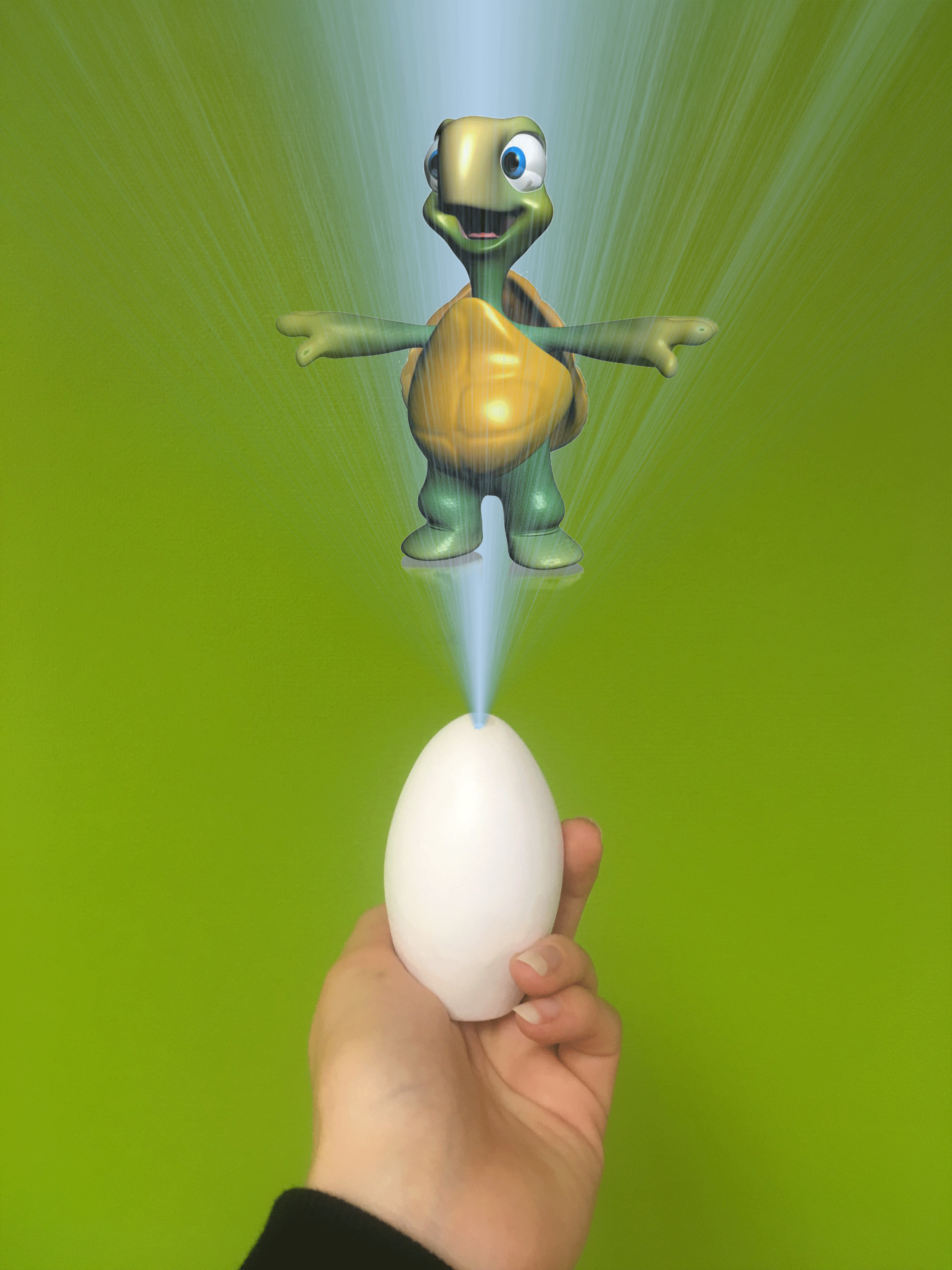
Through interviewing parents we found a lot of pushback on toys with screens. Parents preferred toys that didn't have one. In addition to that iPhone and iPad use made parents nervous because they are so easily damaged. This challenged my team to design a user experience without an interface. This was both exciting and daunting. Interestingly enough we found that the entertainment factor had much more weight than price point or noise.
The end result is a vision we have to a toy that could be made in the future. While this technology is not currently on the market, it will be soon. This project is very research heavy so the research and development sections of this page will be very detailed.
My Role: My story turned into the topic for our project so my group found it fitting that I was in the role of project manager. I kept notes throughout all meetings, engaged in research and development, and ensured everything was done on time. This tested my ability to delegate and lead.
Research
Research
Interviews, Radar diagramming, Build-your-own
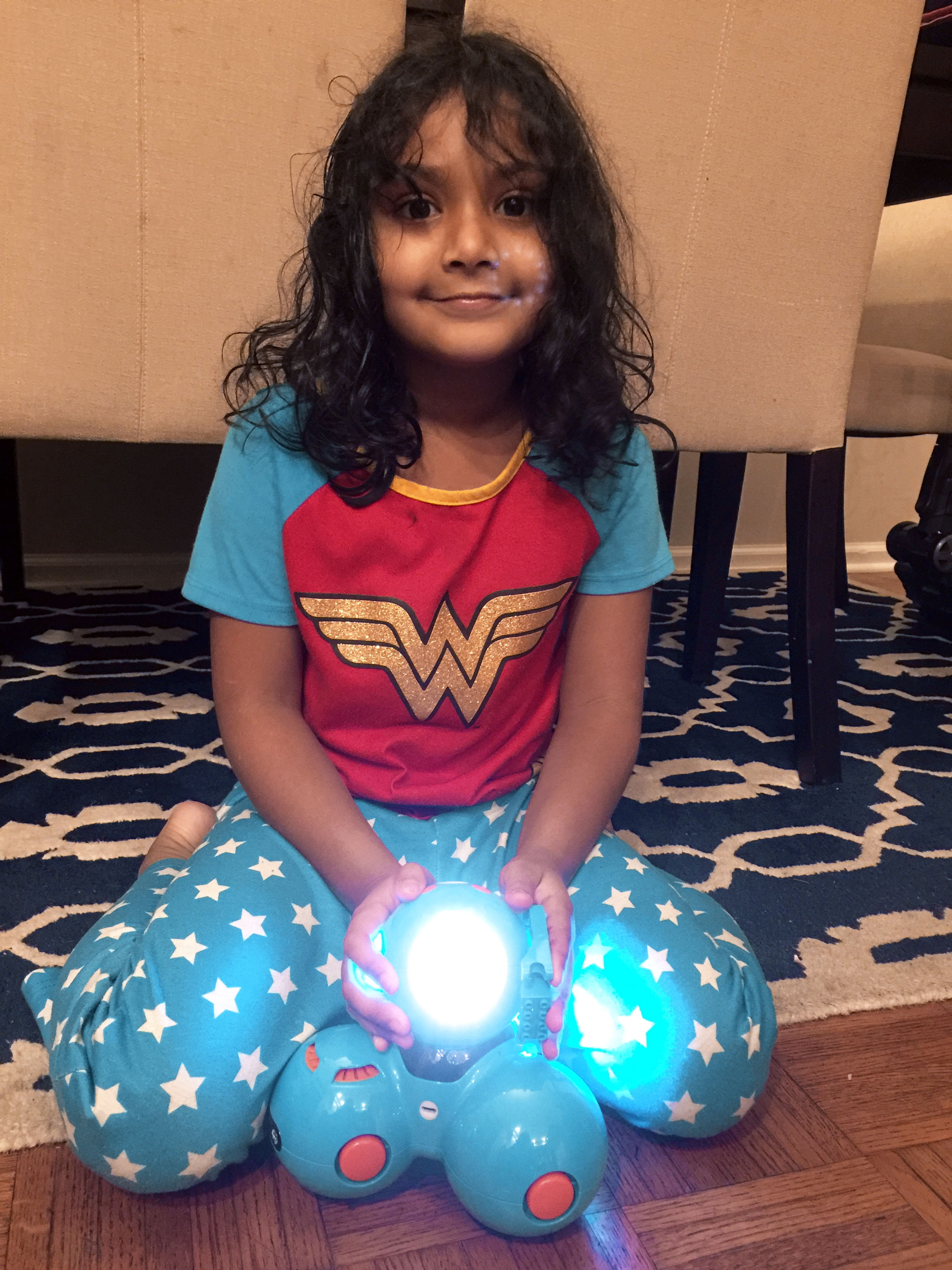
Parent/child InTerviews
Based on questions like "How long do you allow your kid to play with a particular toy? Why?" my group was able to learn about what our toy should or should not be.
We asked about 20 questions to the parents which provided us with key take aways (listed below). We were able to watch children play with educational toys which taught us that entertainment goes hand-in-hand.
Parents spoke about the limits they put around play time and the children showed us what toys they love.
Take Aways:
1. Parents limit screen time
2. Preferred languages: Spanish, Chinese
3. Kids get more “toy time” for educational games
Radar diagramming
We designed a radar diagram to see what parents and children value most when purchasing an educational toy.
(Most to Least Important)
- Education
- Entertainment
- Price
- Portability
- Durability
- Noise
build-your-own
The team challenged our interviewees to draw their vision of what a second language education toy might be. The most interesting was the drawing of the cat. This person told a story of their English second language teacher who would put sticky notes on them with the English words of each body part. They felt this object-to-word method worked well.
Take Aways:
People leaned towards learning from character interactions. This exercise also informed us that voice commands were a desired feature.
Development
Development
Inspiration, User personas, Concept mapping, Problem tree analysis,
Affinity clustering, Bulls-eye diagramming
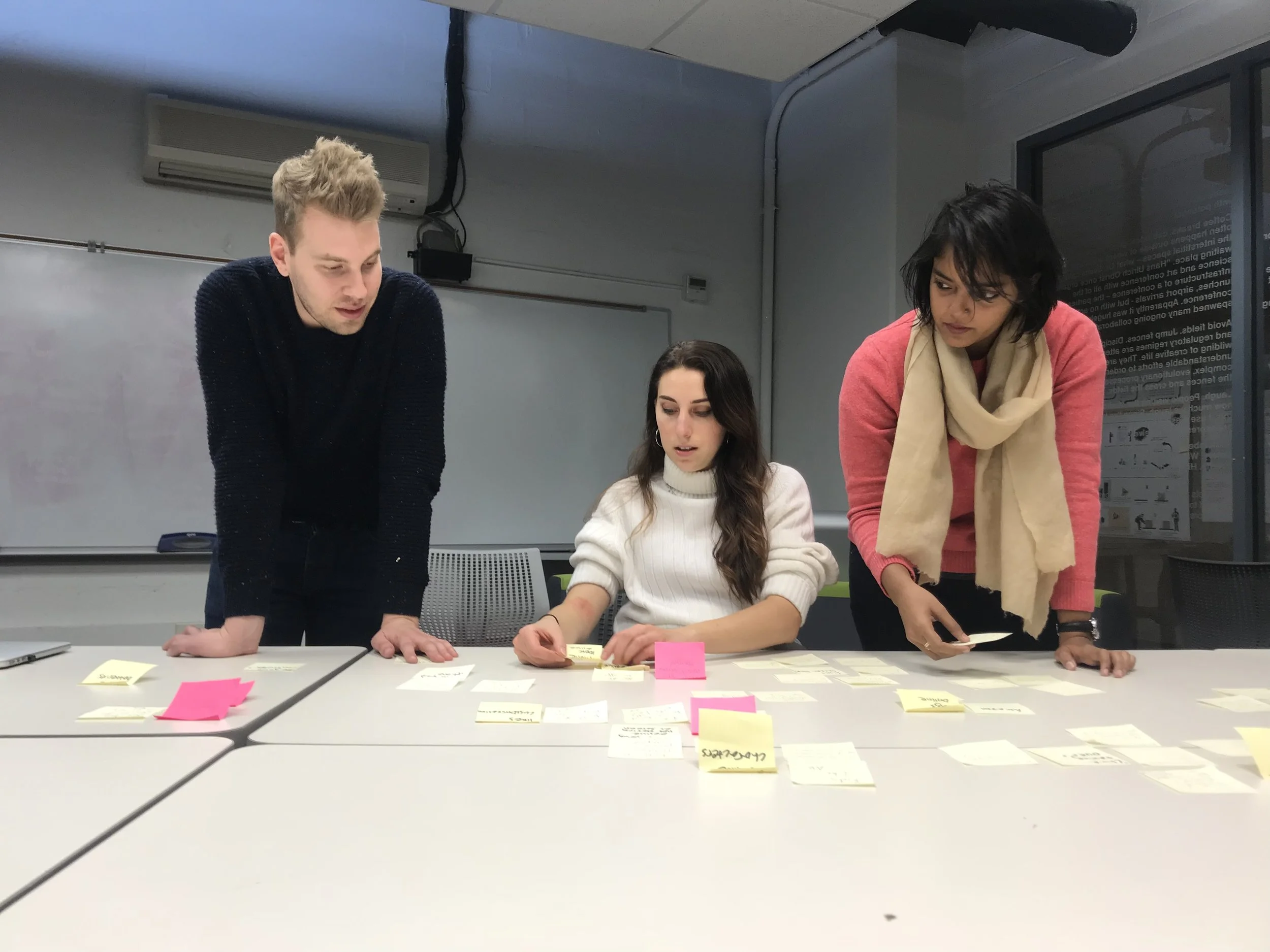
The team working on affinity clustering. We were creating categories from idea generation.
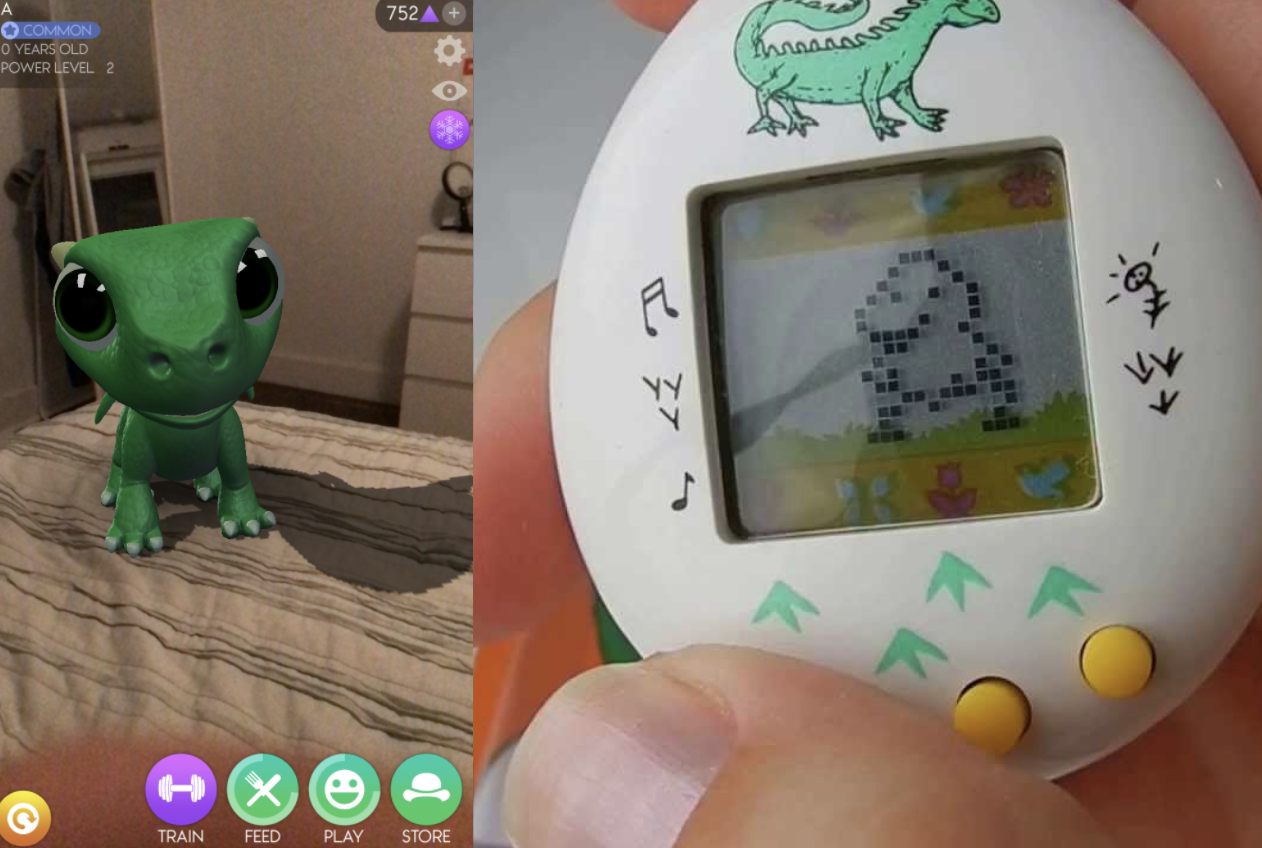
inspiration
The group thought about what is on the market that has to do with character interaction. We found AR Dragon where you take care of a dragon by feeding and playing with it. We also thought about the old school Tamagotchi toys. Both of these acted as inspiration throughout the project as we referenced their features often.
User personas
We took our research and formulated it into user personas. Rob is a parent that is concerned about his child using a toy long term. From previous experience Rob has found that his child does not find educational toy entertaining enough.
Anna, a 7 year old, wants to play a language game with her friends. She also knows her parent's don't like her playing with screens too long. She wants a toy that she will not get bored of in a few months.
With this in mind we went forward with analyzing our research further.
Concept mapping
Upon categorizing our information by educational value, entertainment, and social development we were able to see how interconnected key elements are.
Take Aways:
Social interaction is key for entertainment and social development.
problem tree analysis
We played in the hypothetical to make sure we were on the right track. From the problem of kids not liking to learn language we brainstormed the causes and effects of this. We found that our design is critical for children to develop strong social skills as well as utilize their natural ability to learn quickly.
affinity clustering
There were an overwhelming amount of post-its about limited screen use. There were also huge gaps in the market where this toy would fit perfectly.
Take Aways
1. Screens limit use
2. There is a NEED in the market for a language toy
Bulls-eye diagramming
Through many methods of development we have narrowed down key take aways.
-Parents like education to be entertaining
-Default language: English
-Social Development is important
Ideation
Ideation
The industrial designer on our team created prototypes while we created storyboards.
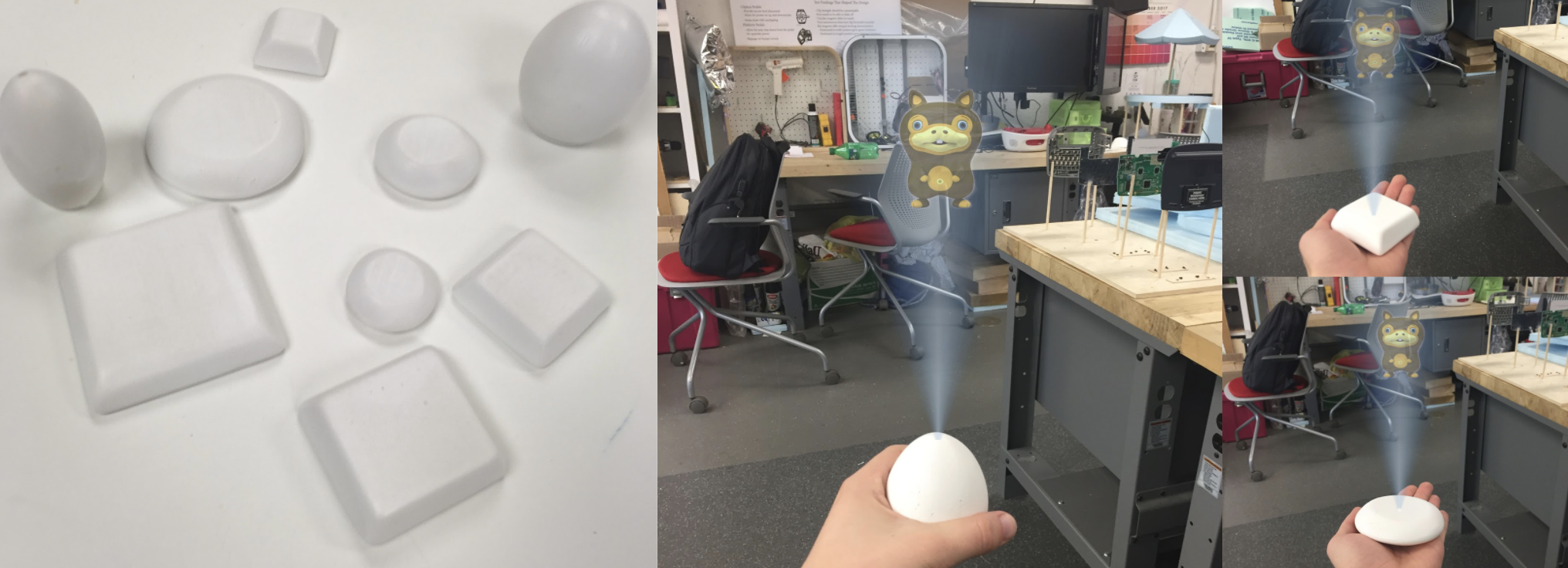
Storyboarding
At this point in the process our team firmly decided on eliminating the need for a screen by playing with the idea of holograms.
user flow charts
Beginning Flow
-Starts with introduction
-Explains two major modes: Learning mode, Explore mode
Returning User Flow
-Starts with revision
-Lessons developed by educational standards similar to the flow in the classroom
Social Flow
-Egg senses another egg close by via bluetooth
-Egg interacts with other egg as well as user
Refinement
Refinement
Second round of interviews
prototype evaluation
The team needed to get feedback on the prototype shapes and concept.
Clara: “Explore mode should have a scavenger hunt!” “I want to buy this now!”
Lev: “This should have a game mode, like play chess.”
General: Loved the egg shape, the best part: “the hologram”
final design
The team designed a concept that is a little beyond it's time but is very exciting!
The user experience designers on the team came up with two modes this toy will have: learning mode and explore mode. The idea is that while resting on a table the toy goes into learning mode which is the standard flow. The child will learn words and phrases that are designed in a logical order.
Explore mode allows the user to explore their environment with a second language. The cameras in the toy pick up on objects in the room to teach a unique lesson. To enter explore mode, the user picks up the toy and walks around. This is demonstrated in the demo video below.
Take Aways:
While in school use your creative brain. It was a very fun project to come up with something a little crazy but within what our research suggested.
Demo
Project Take-Aways
Maintaining a leadership role in a group requires you to learn the strengths of your team. Be observant. I quickly picked up on who was going to be the most efficient at what. This helped the project run so smooth!
Up Next...

VITAMIN READER
VitaLove strengthens people's relationship with their own body. This smart watch informs and teaches the user about their daily vitamin levels.
UI/UX Design, Industrial Design, Wireframing, Visual Design